

DVD Delete Adapter
DVD Delete Adapter
Couldn't load pickup availability
DVD DELETE
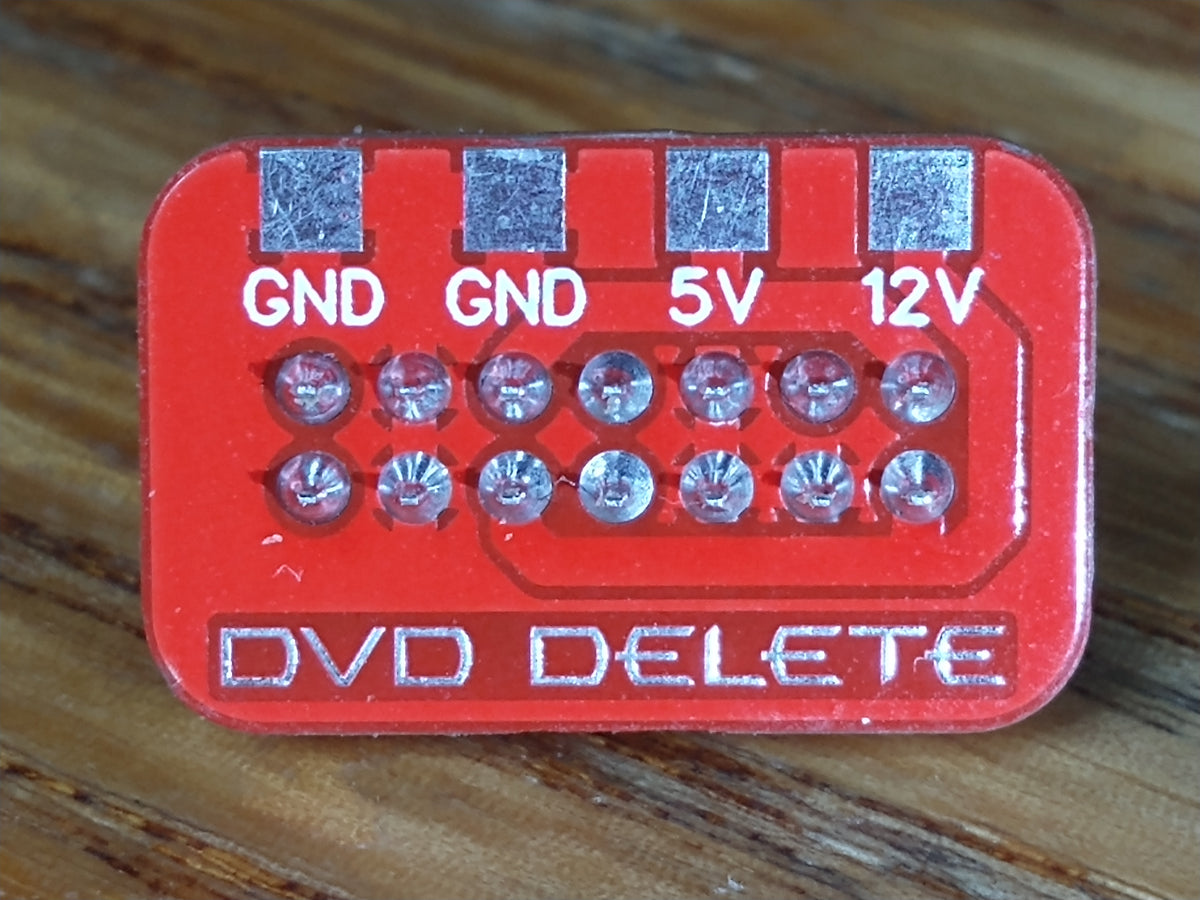
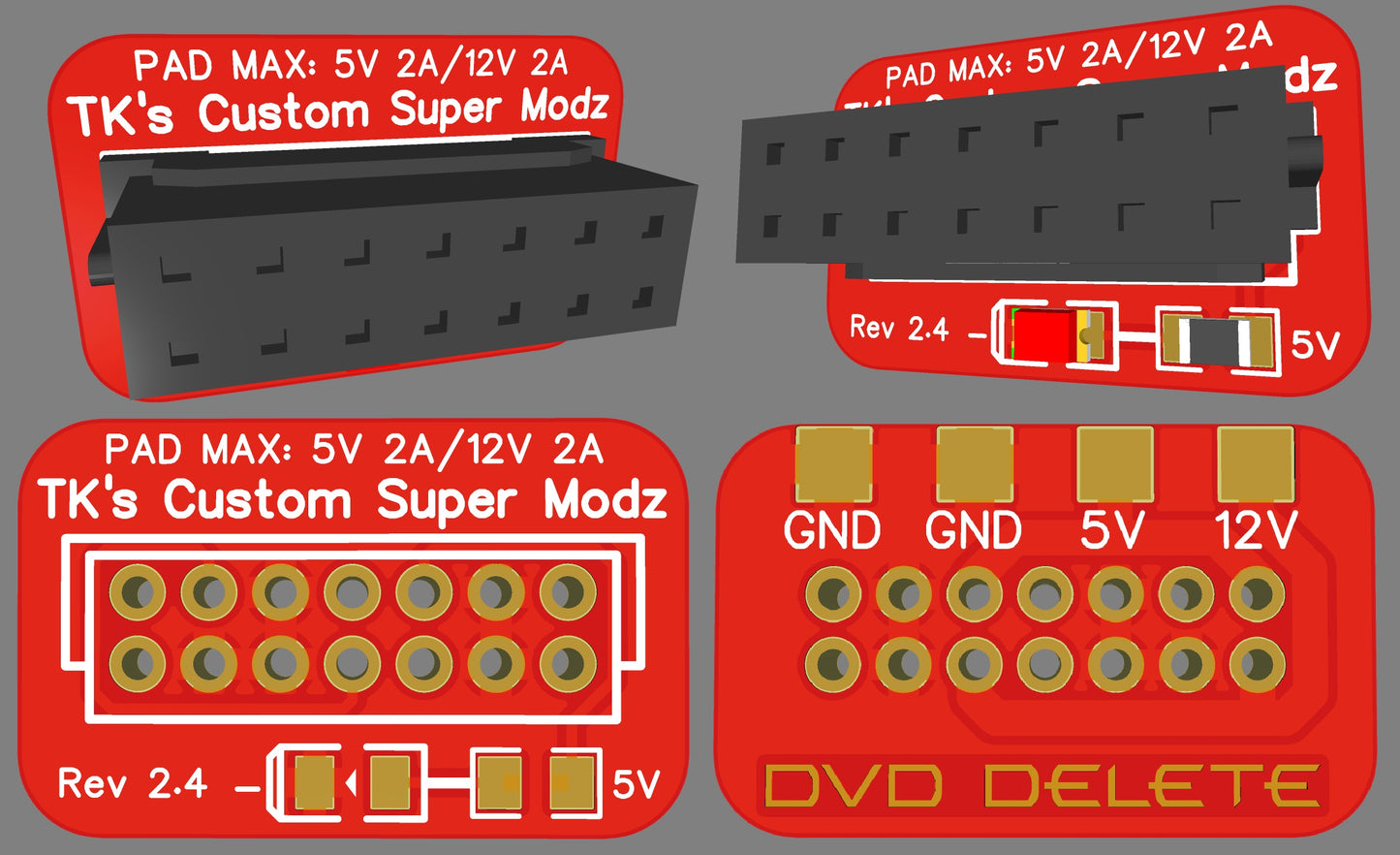
The DVD Delete Adapter is a low-profile plug-in board for modded Original Xbox consoles running without the factory DVD drive installed.
This adapter is intended for hard-modded Original Xbox consoles running a BIOS that supports no-DVD operation. It does not replace the full DVD drive logic board, does not emulate the DVD drive as an IDE device, and does not bypass the stock/OEM BIOS DVD drive check by itself. A stock system or stock/OEM BIOS may still throw a DVD-related error if the factory DVD drive is removed.
Even when using a BIOS with the DVD check disabled, the Xbox’s onboard System Management Controller (SMC) can still look for DVD tray-state signals at the motherboard DVD power header. If the DVD drive is removed and those lines are left floating, the console may still see unstable, noisy, or bouncing tray-state behavior.
A bouncing tray-state signal can make the system act like the DVD drive status is constantly changing in the background. This can cause strange behavior such as slow booting, delayed dashboard loading, slow game launching, or the console acting like it is still waiting on missing DVD hardware.
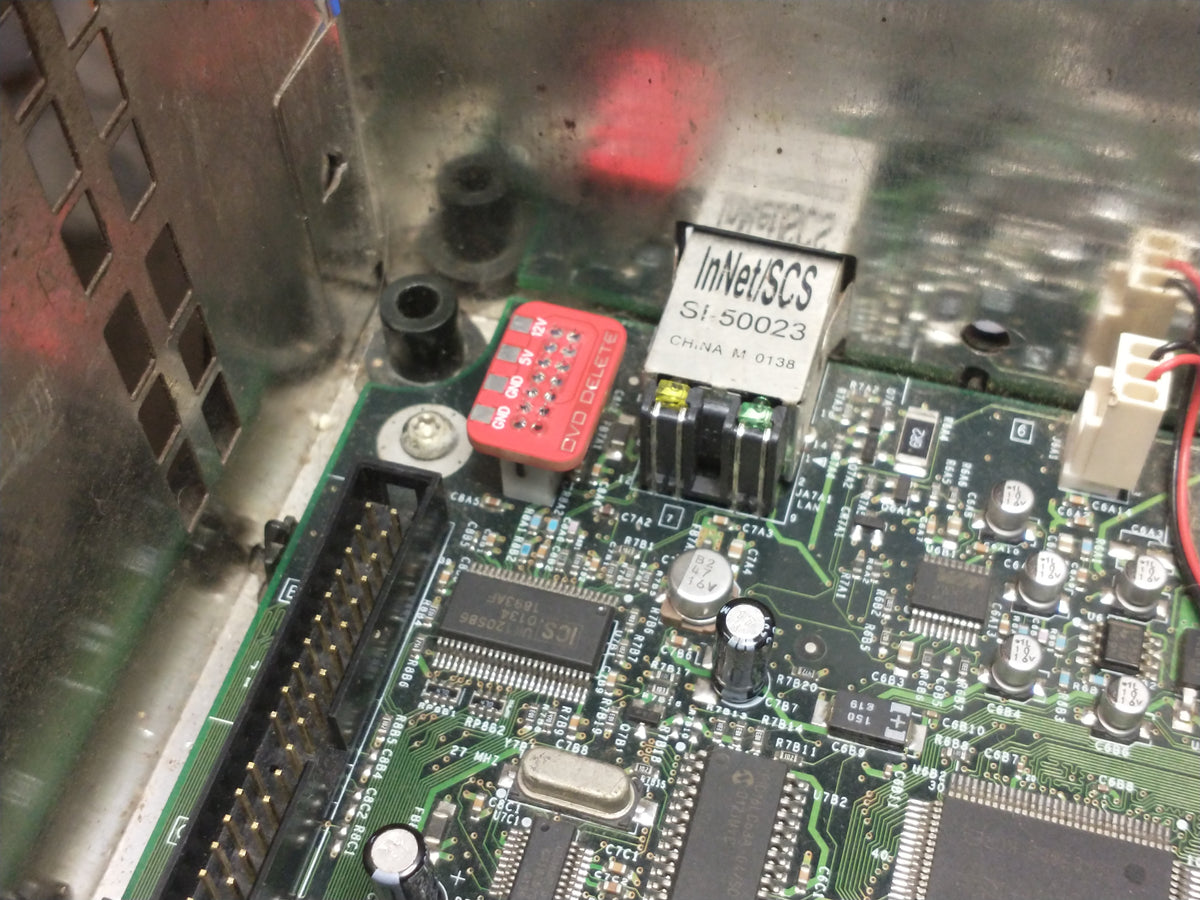
This adapter plugs directly into the motherboard DVD power header and settles the DVD tray-state lines into the expected no-media state. That gives the console a clean, stable signal without needing the original optical drive connected.
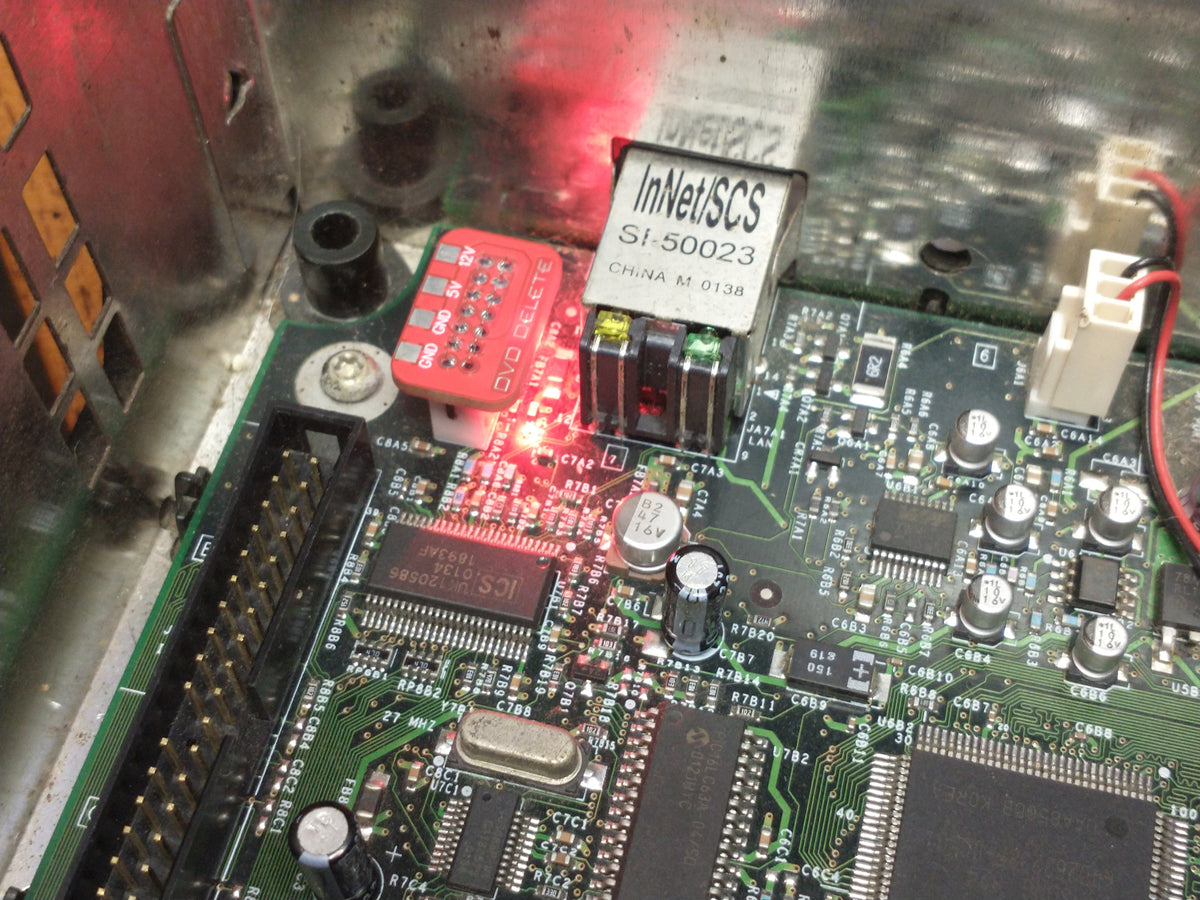
Installation is simple: line it up with the DVD power header and press it into place. No soldering is required for the basic DVD delete function.
This adapter is useful for builds where the DVD drive has been removed for extra internal space, better airflow, hard drive based game loading, secondary storage projects, or cleaner custom installs. It is also useful on the repair bench when testing motherboards without keeping a working DVD drive connected.
Reference: This adapter’s tray-state behavior and design is based on documented OG Xbox DVD tray-state signal research. Technical information can be found here: Xbox DVD Tray Signal Analyzer.
UTILITY PADS
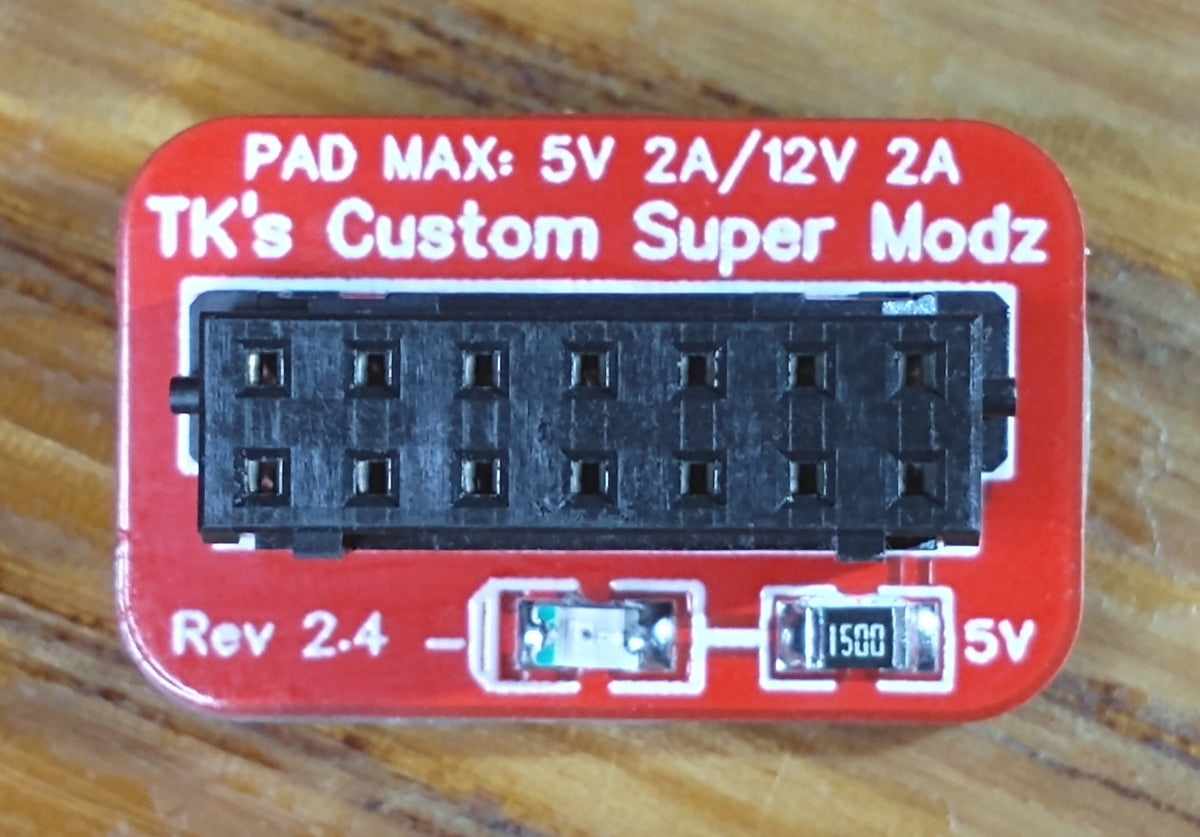
UTILITY PAD RATING: 2 amps continuous per power rail.
The board includes clearly labeled utility pads for 5V, 12V, and GND. These pads expose the same power rails normally available at the DVD power connector and provide clean solder points for internal accessory wiring. The pad rating is also printed on the board for quick reference.
The utility pads are intended for typical single-device internal accessory use, such as properly rated hard drives, SSDs, small fans, basic LEDs, and similar reasonable loads. They are not intended for multi-drive setups, high-wattage lighting, large LED strips, or other sustained high-current accessories.
WIRING: For loads near the 2 amp pad rating, 22–24 AWG stranded wire is recommended. Flexible silicone-insulated wire is preferred because it places less mechanical stress on the pads, but standard stranded PVC wire is also acceptable if properly routed and supported. 22 AWG stranded PVC wire, such as the wire commonly used on StarTech SATA adapter power leads, is acceptable. Do not use wire larger than 22 AWG, overly stiff wire, or solid-core wire that can pull on the pads or stress the board. The board includes two GND pads to support normal drive-style power wiring with separate ground returns. Smaller wire may be suitable for low-current accessories, but should not be used for full-rated pad loads. This is not a complete wire gauge guide; always verify that the wire used is suitable for the voltage, current draw, length, and accessory being installed.
STORAGE: If using the utility pads to power a hard drive, SSD, or other storage device, check the power ratings printed on the storage device before wiring it in. Most drives list separate 5V and 12V current ratings on the label. The SATA/IDE adapter board itself is usually not the main power load; the attached drive is what matters.
Common PC-style drive power wiring usually uses yellow for 12V, red for 5V, and black for ground, but wire colors should never be treated as a guarantee. Always verify the wiring, connector pinout, and voltage before connecting anything to the utility pads.
LEDs: LED strips can draw much more current than many people expect, especially RGB strips running multiple colors or full white. As a basic reference, 100 standard 20mA LEDs equals 2 amps. RGB LEDs can draw up to 60mA each when all three colors are on, which means about 32 RGB LEDs can reach 2 amps at full white. Check the current draw of the LED strip or lighting setup before powering it from these utility pads.